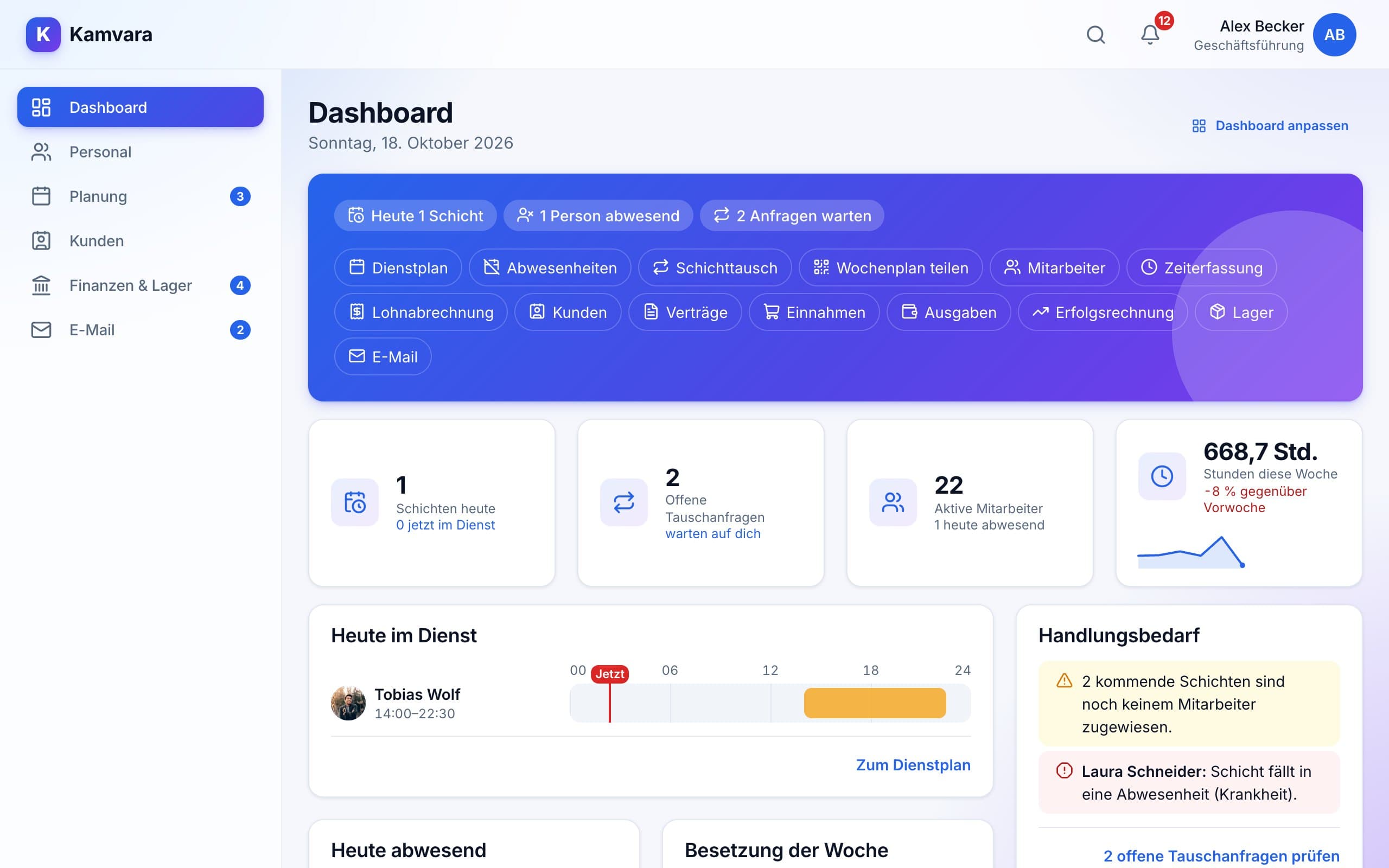
Staff and planning, customers and contracts, income, expenses and stock, plus your mailbox – set up the way your business works. Use only the modules you need; assistants check rules, spot deadlines and take care of the routine.
Result in the blackLive profit statement – staff included
Week plannedCompliant in one click
Deadline spottedContract ends in 14 days
For every kind of business – with or without shifts
Offices & agencies
Care & health
Trades
Restaurants
Fitness & studios
Retail
Medical & therapy practices
Logistics & warehousing
Salons & beauty
Cleaning & services
Clubs & associations
Hotels
Events
Customer service & call centres
Pharmacies
Childcare & education
Security services
Offices & agencies
Care & health
Trades
Restaurants
Fitness & studios
Retail
Medical & therapy practices
Logistics & warehousing
Salons & beauty
Cleaning & services
Clubs & associations
Hotels
Events
Customer service & call centres
Pharmacies
Childcare & education
Security services
Everything included
Everything your business needs
Five areas that work together – from your team to your customers to your result.
Staff
Your team and everything that comes with it.
Employees with availability and positions
Time tracking from the schedule – no clocking in
Payroll with surcharges and export
Vacation balances by law
Planning
Schedules that almost write themselves.
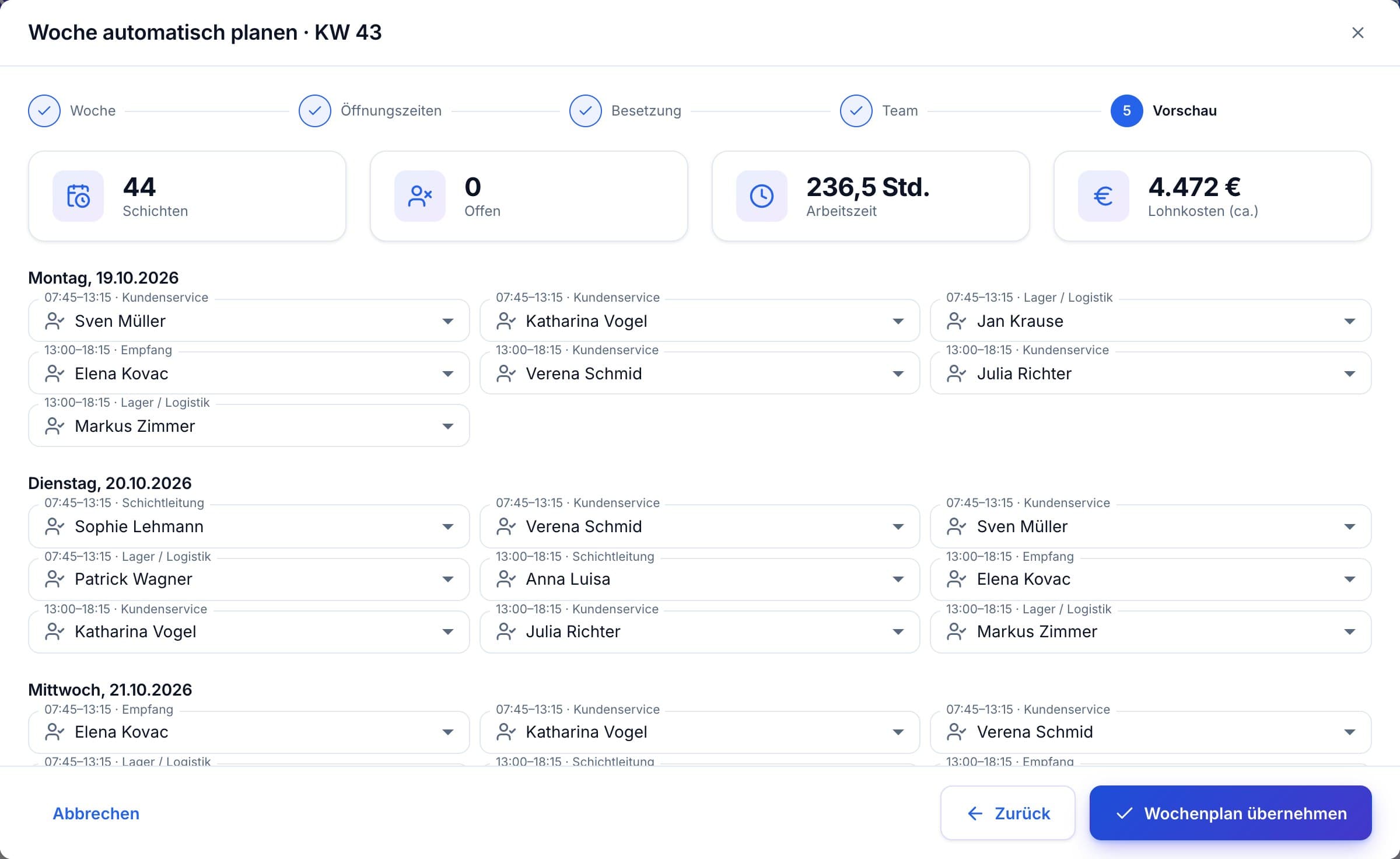
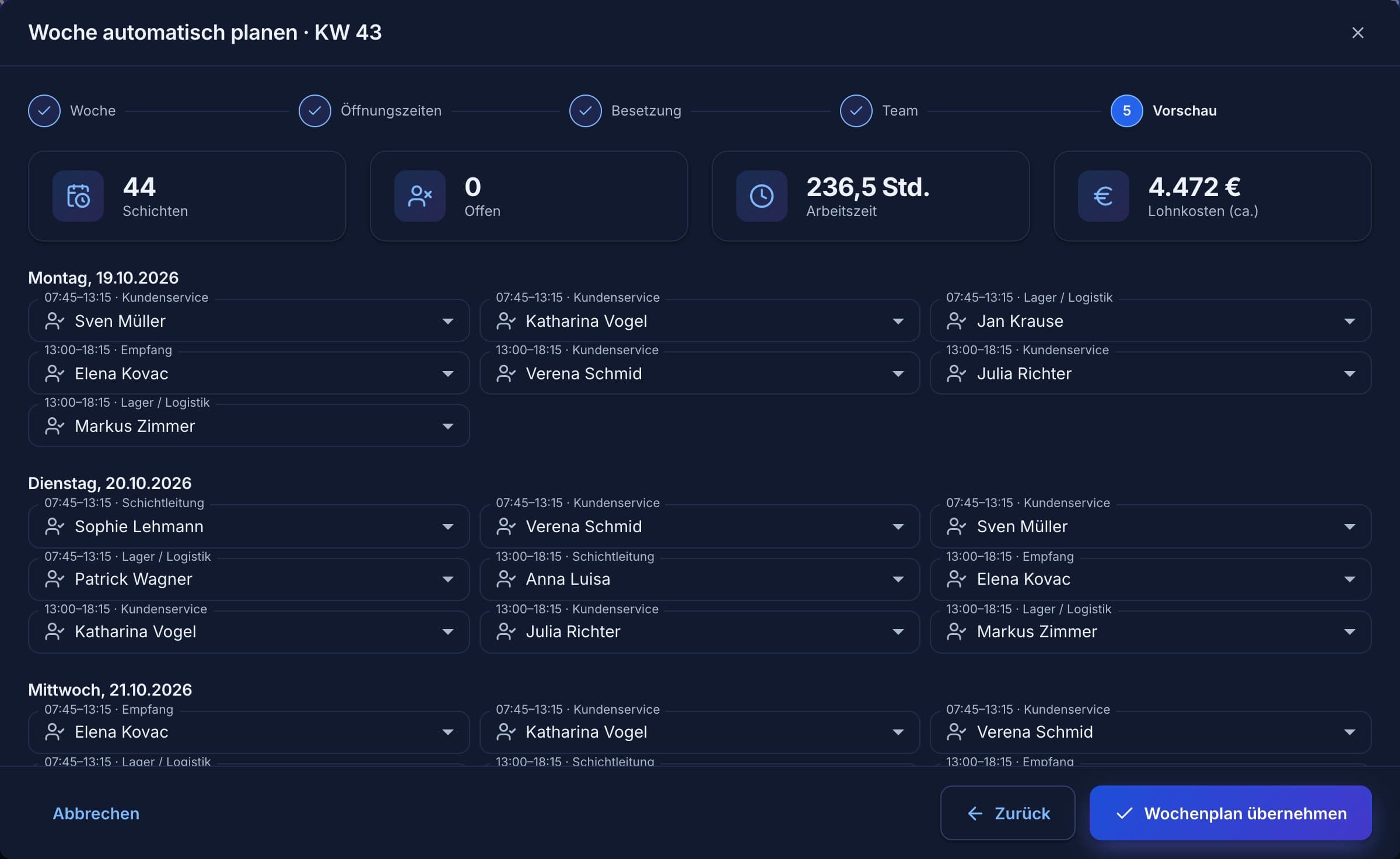
Plan a week automatically – fair and compliant
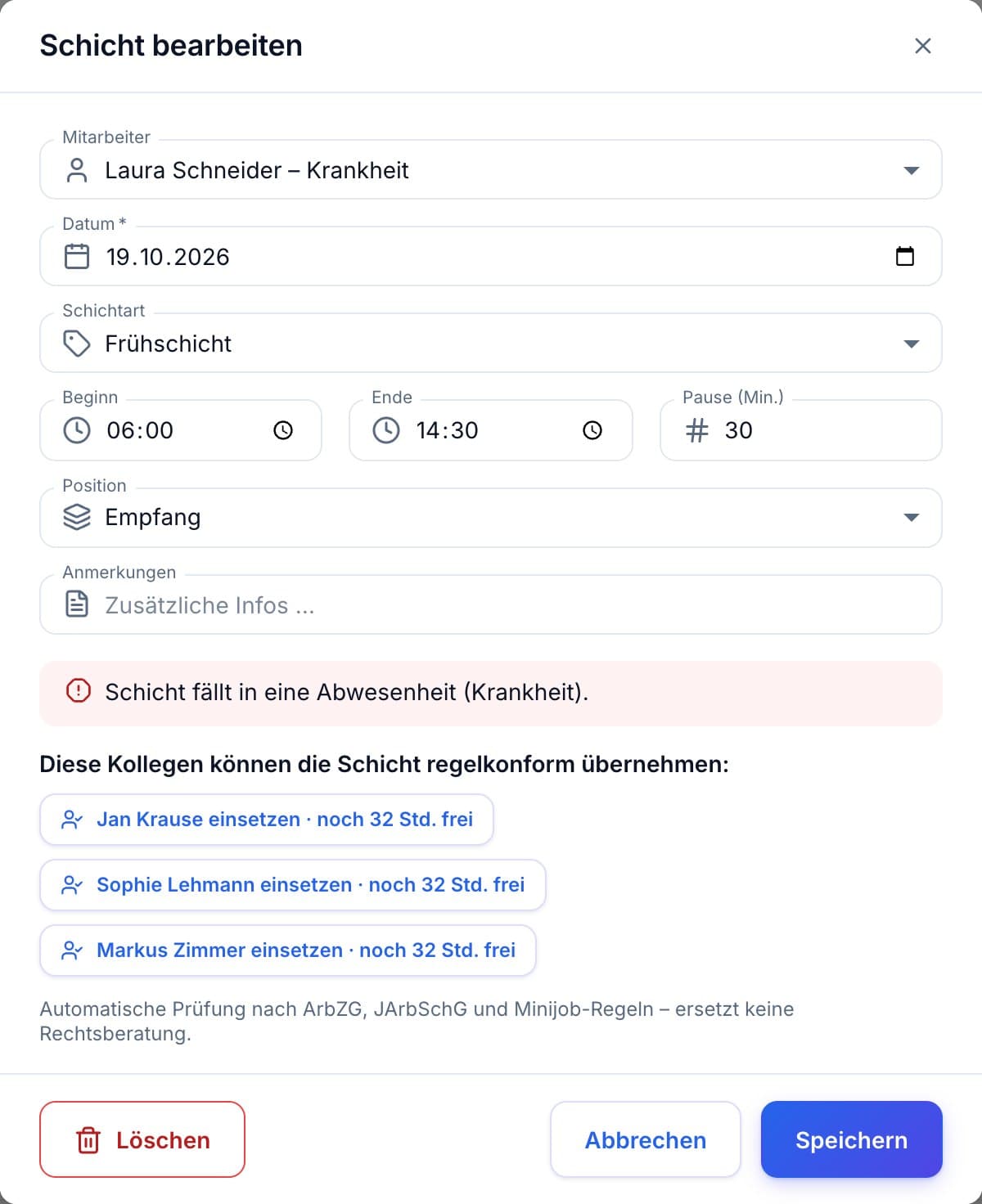
Rule check with suggested solutions
Absences with the absence assistant
Plan on the phone, swaps via link
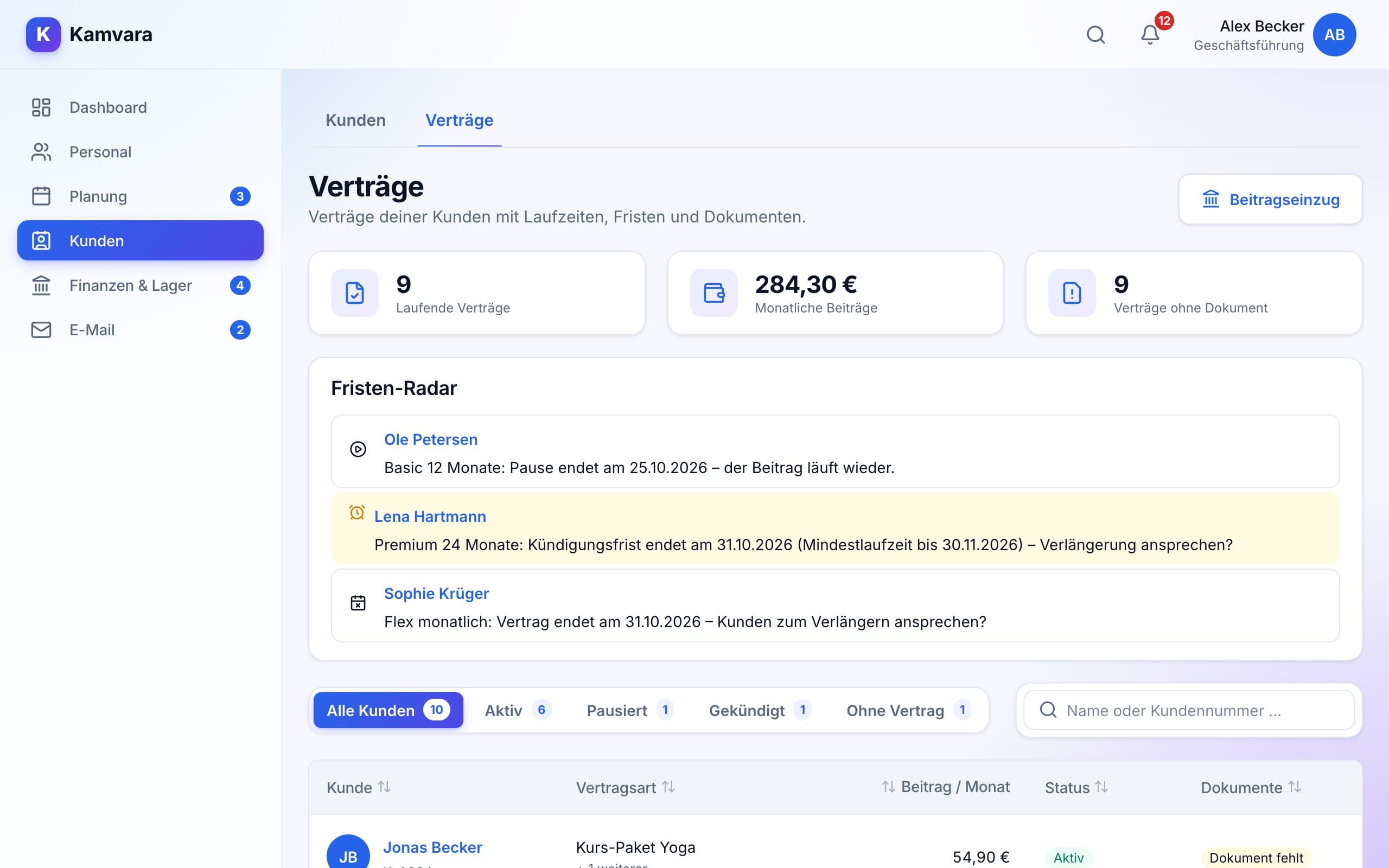
Customers & contracts
For businesses with customers, members or subscriptions.
Customer file with bank details and mandate
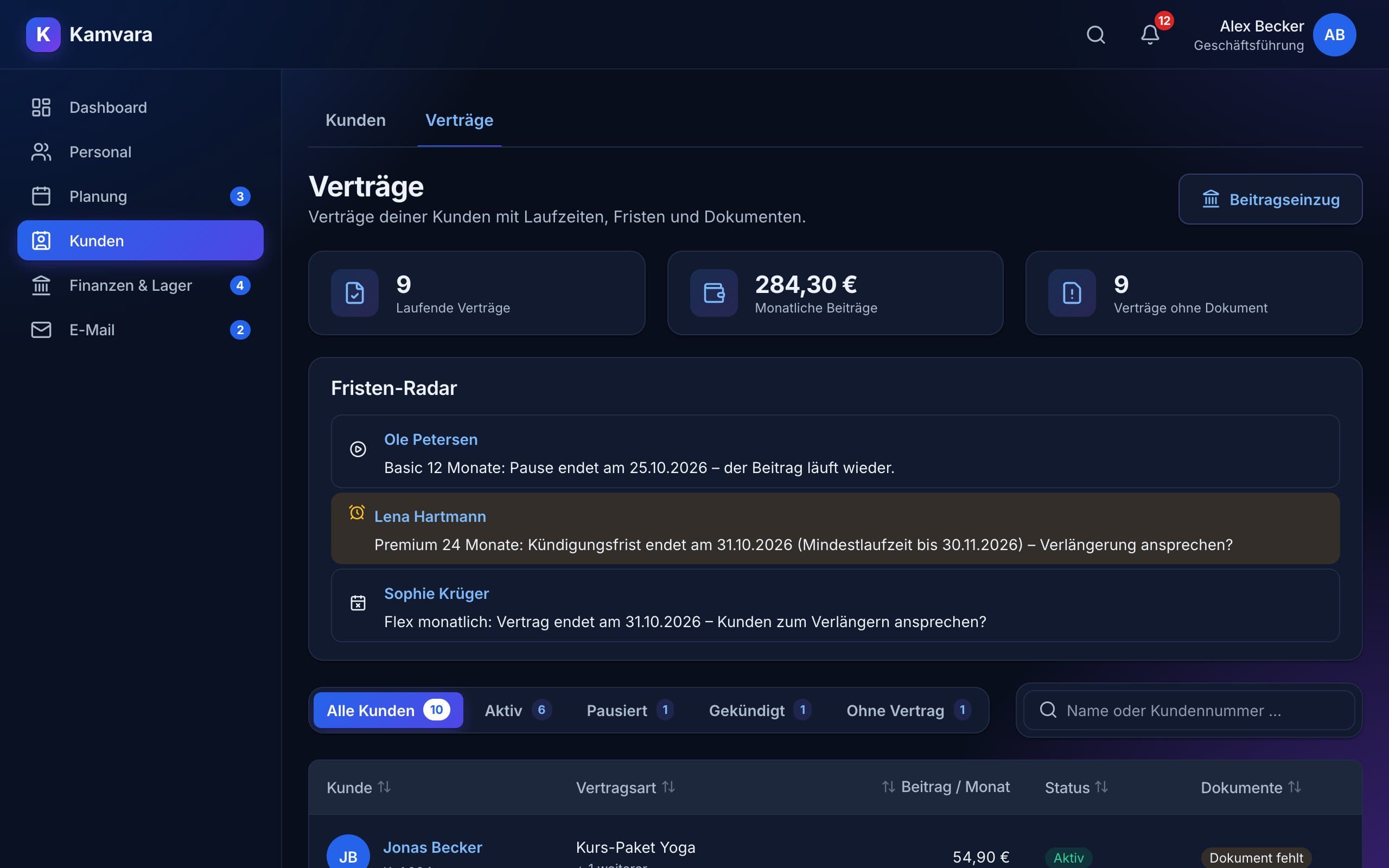
Contracts with term, pauses and cancellation
Deadline radar reminds you in time
Fee collection by SEPA direct debit
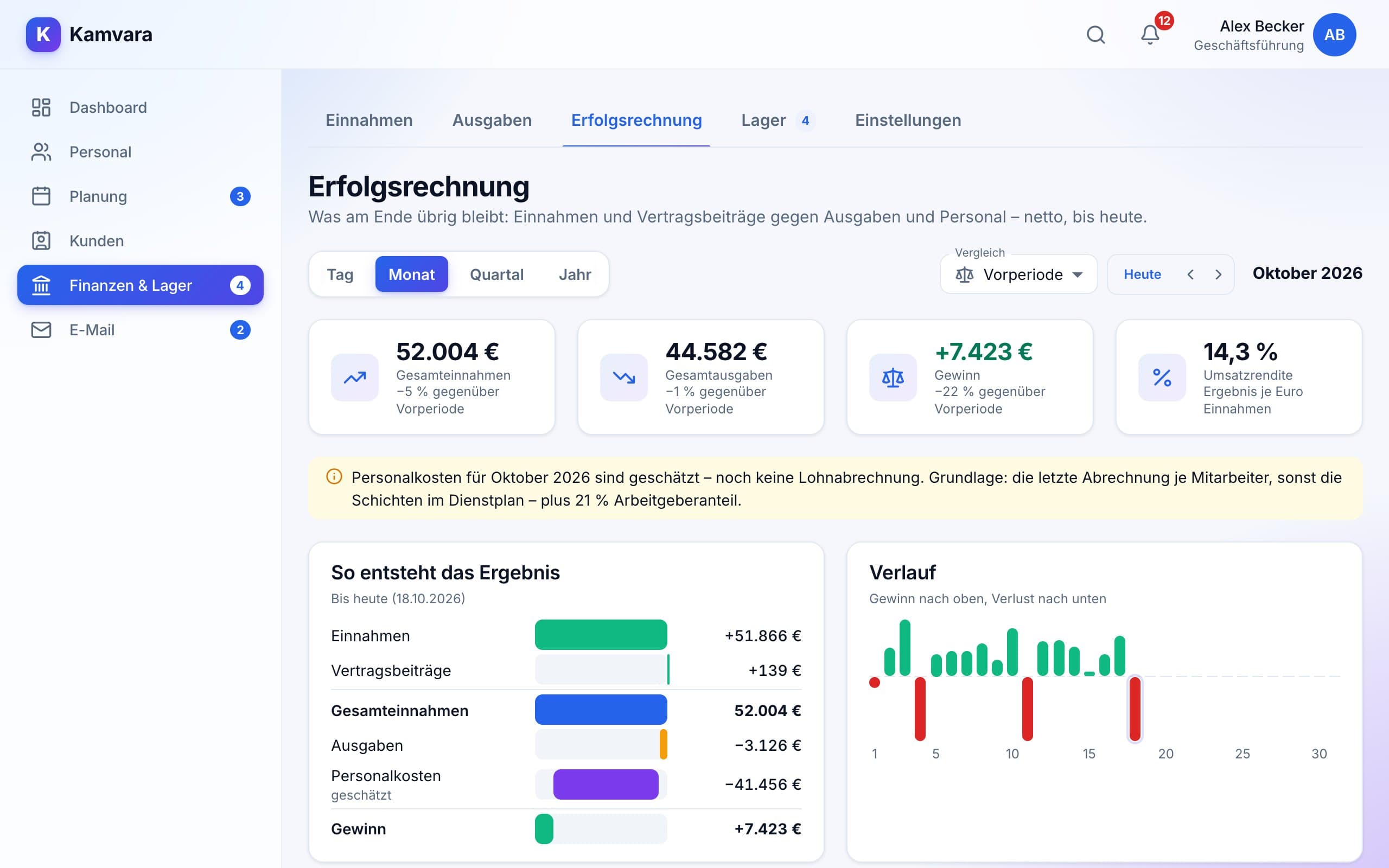
Finance & stock
See what's left at the end.
Income and expenses with receipts
Daily closing like at the till
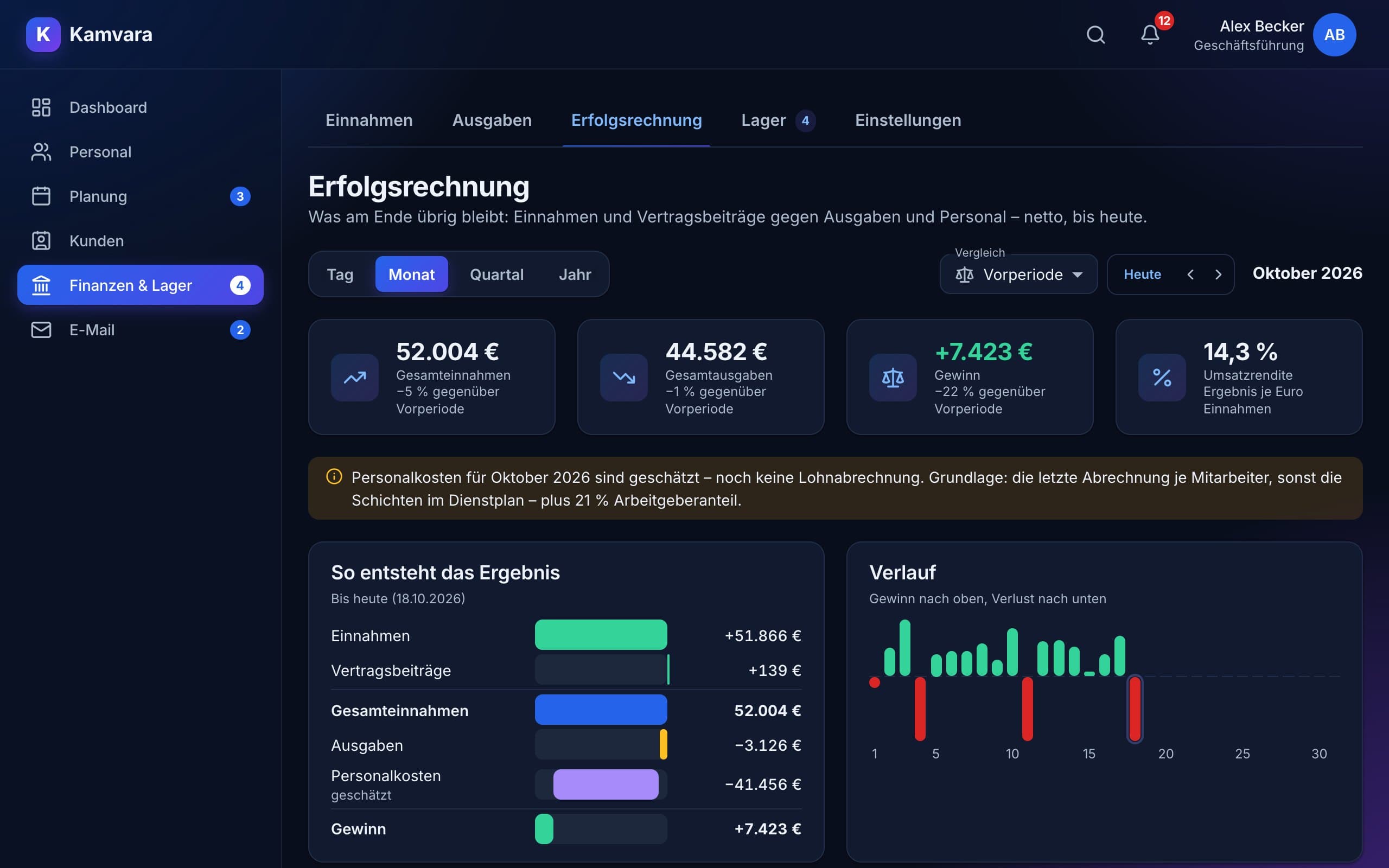
Profit statement including staff costs
Stock with stocktake and reorder alerts
Communication
Your mailbox right next to your data.
Inbox, drafts and trash
Templates with placeholders
Email straight from an employee or contract
Notifications for everything coming up
Show only what you need. And because everything is connected, staff costs from the schedule, for example, go straight into your profit statement.
No more tool chaos
Five programs, notes and chats cost you hours every week
Your business is unique – your tools should be too. Here's the difference:
Without Kamvara
Schedule in Excel, customers in another program, contracts in a folder
Receipts in a shoebox, till and stock on paper lists
Deadlines, rules and low stock are noticed only when it's too late
Emails in a private mailbox, arrangements via WhatsApp
Hours, surcharges and costs collected by hand for payroll and accountant
With Kamvara
Team, planning, customers and finances in one place – show only what you need
Receipts attached digitally, daily closing and stock in a few clicks
Assistants warn you in time about rule violations, deadlines and low stock
Mailbox and templates right next to your data, swap requests via link
Hours, surcharges and results ready for payroll and accountant
Workspace
Design your workspace
Not a rigid program but your toolbox: you decide what you see and where it goes.
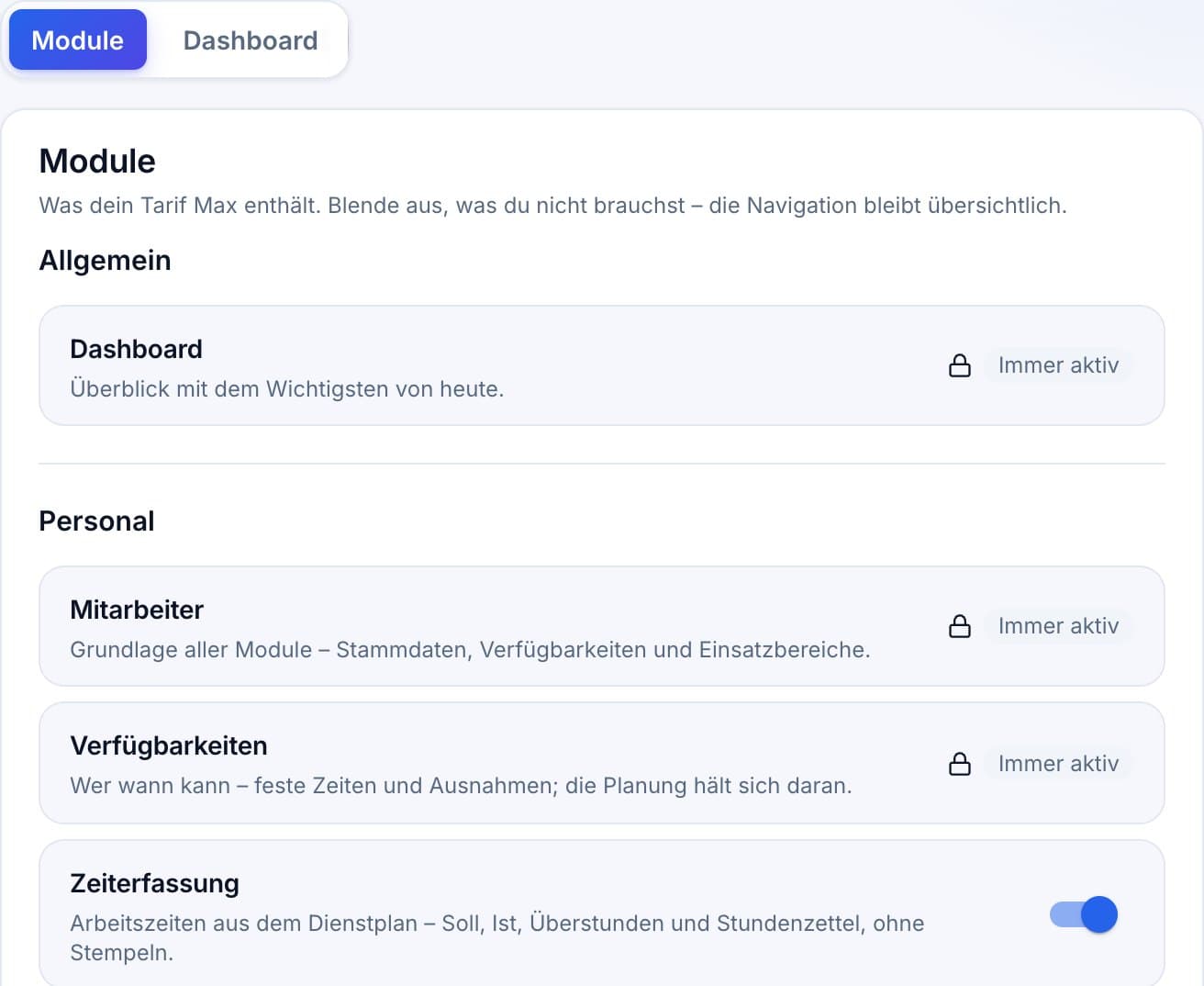
Modules as needed
Planning
Team
Time tracking
Payroll
Customers & contracts
Finance
Stock
Communication
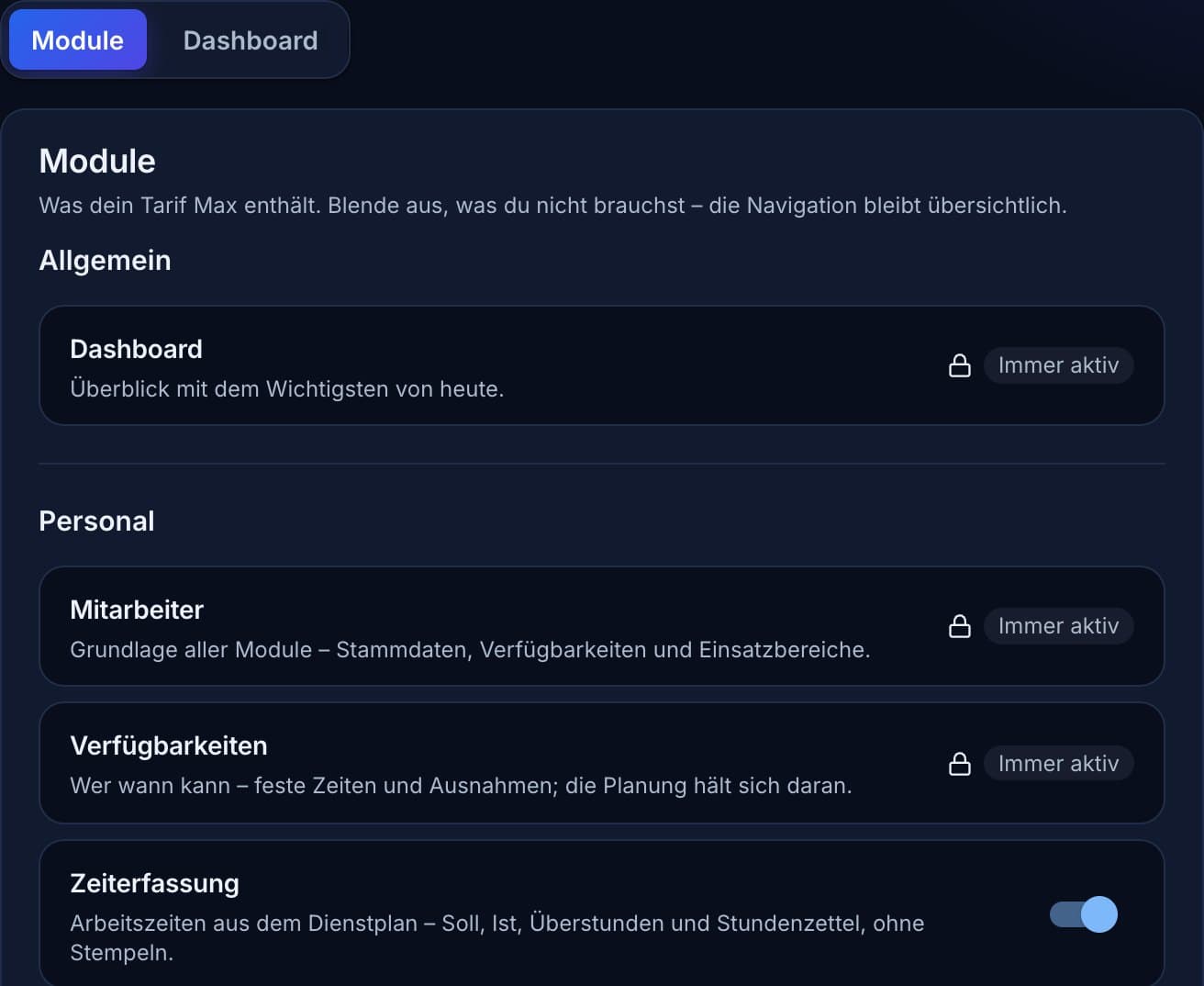
Only what you needShow and hide modules – your data is always kept.
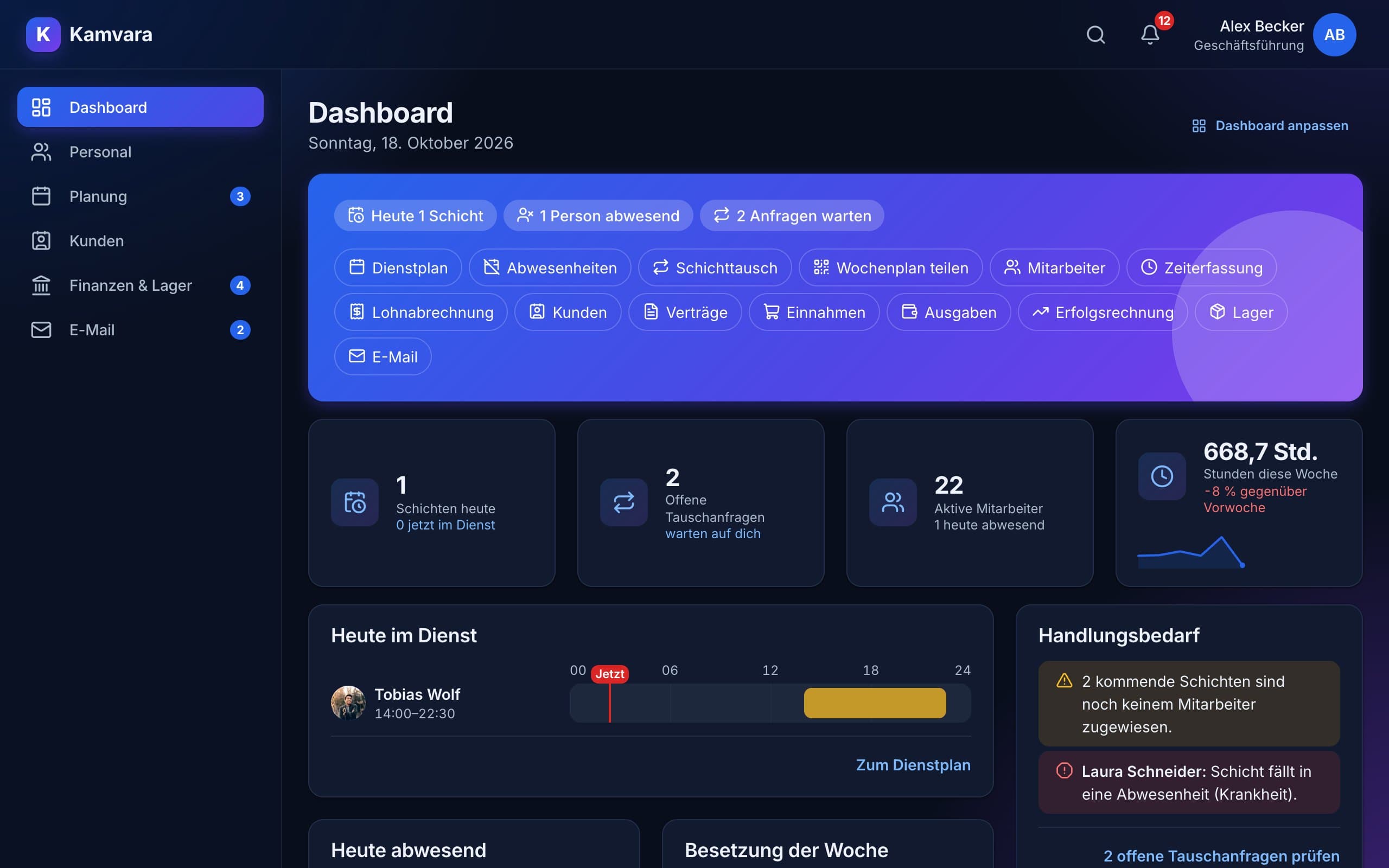
Your dashboardArrange and hide cards until it fits your day.
Tidy navigationA few areas in the sidebar, the modules as tabs below – clear even with many modules.
Smart tools
Assistants that think ahead
From planning to contracts to the profit statement: tools that take over the routine and warn you in time.
The whole week in one click
Enter opening hours, set staffing per position, respect availability – the week planner creates a finished, compliant plan. You check the preview and apply it with one click.
Opening hours, public holidays and handovers built in
Freely named positions – for every industry
Availability, preferred shifts and target hours
Compliant with working time law
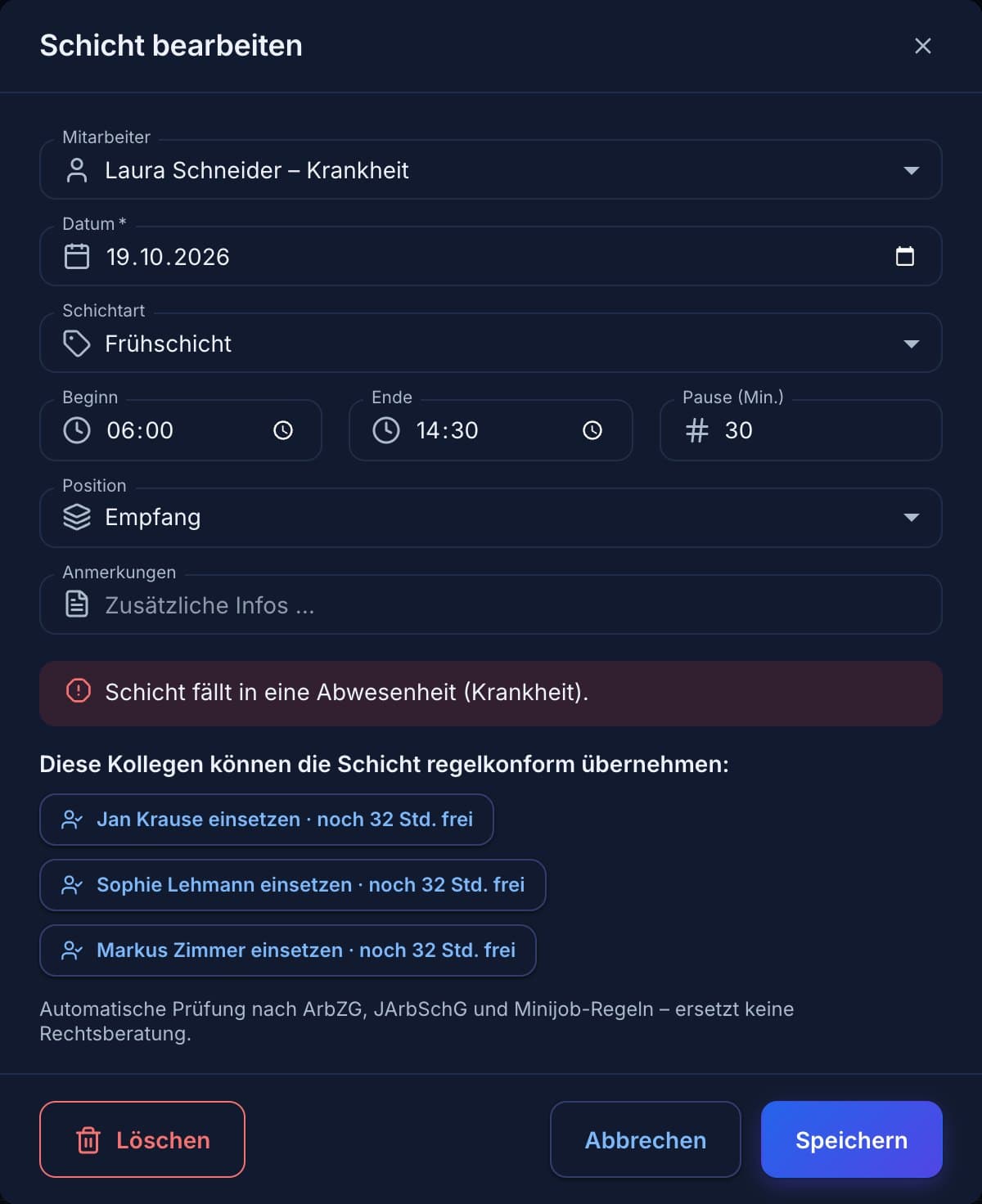
The rule check tests every shift in real time: rest periods, maximum working hours, breaks and youth protection. If something is off, Kamvara immediately suggests colleagues who can take over compliantly.
Working time and youth protection law with industry presets
Vacation and sickness are considered automatically
Suggestions with remaining weekly hours
Contracts and deadlines under control
Kamvara calculates terms, pauses and cancellations for you. The deadline radar tells you when to approach customers about a renewal – and you collect fees by SEPA direct debit.
Earliest contract end calculated automatically
Deadline radar on the dashboard and with the contracts
SEPA file for your online banking
See what's left at the end
Record income and expenses with receipts – gross as on the receipt, Kamvara calculates net. The profit statement shows your result up to today, staff costs from schedule and payroll included.
Templates, recurring expenses and daily closing
Correct instead of delete – traceable under GoBD
Export for your accountant
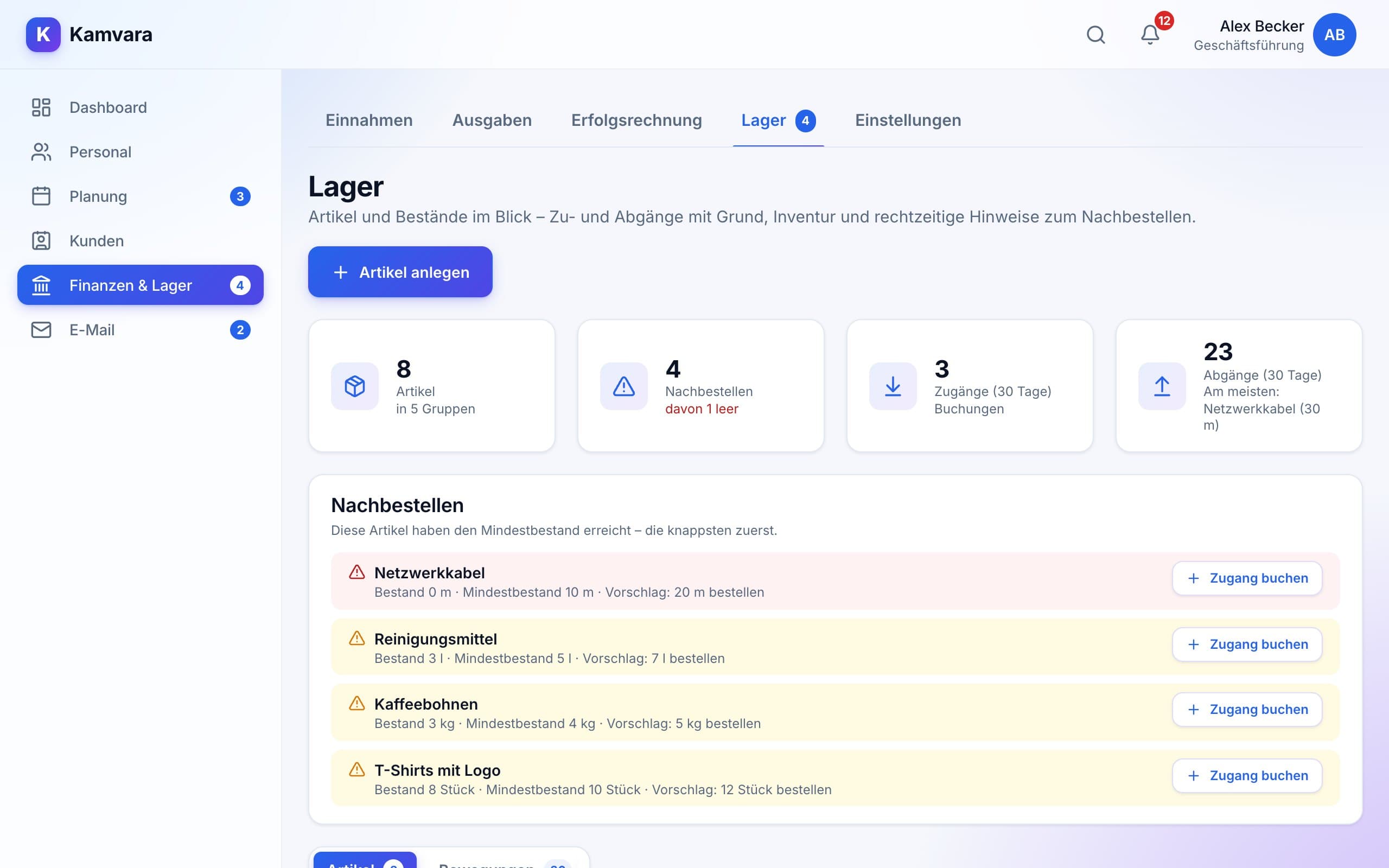
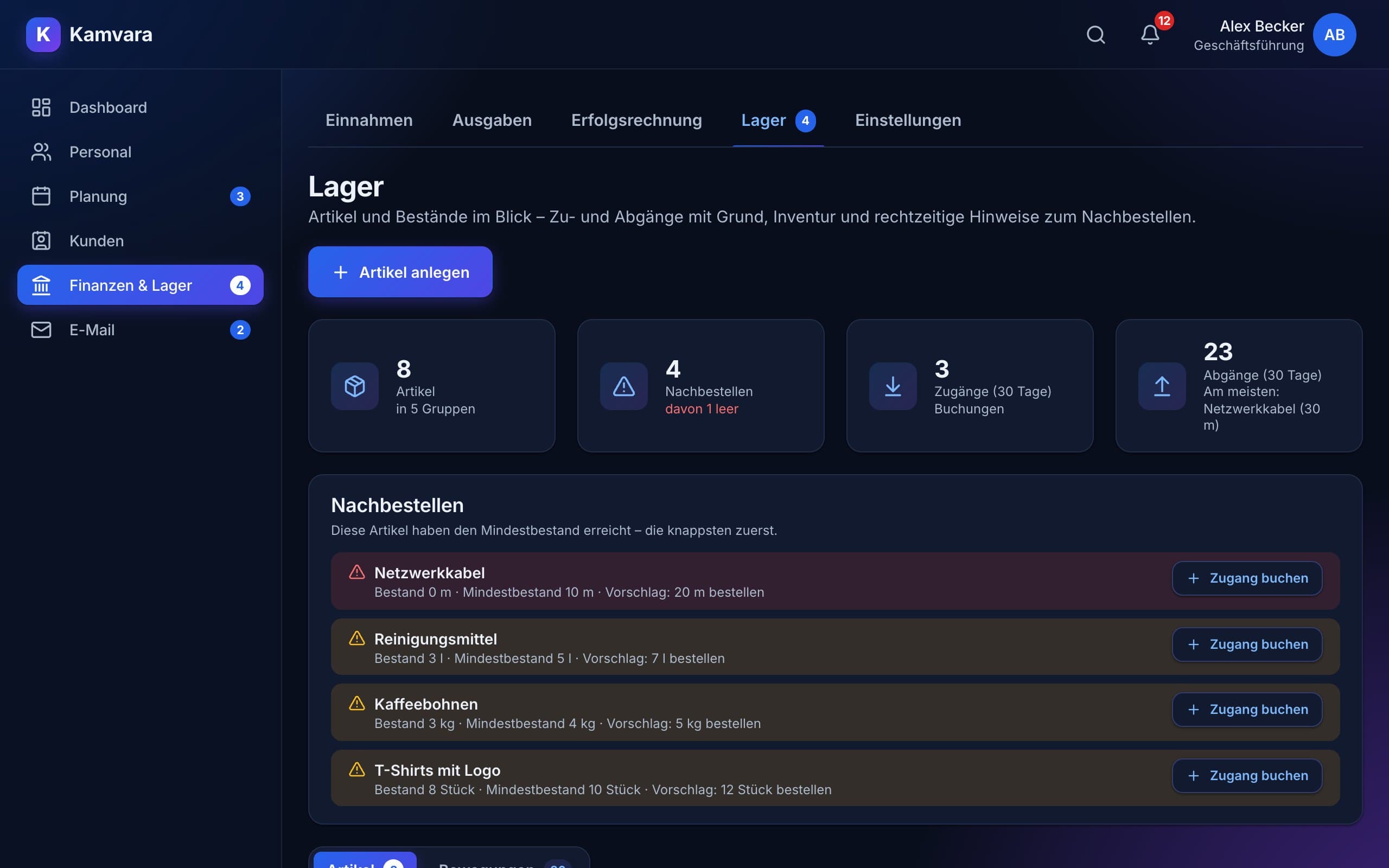
Never an empty shelf again
Items with photo, stock and minimum stock: book incoming and outgoing stock with a reason, do the stocktake in minutes. When something runs low, Kamvara reminds you with an order suggestion.
Range based on consumption over the last weeks
Alert on the dashboard and as a notification
Stocktake list to print and as CSV
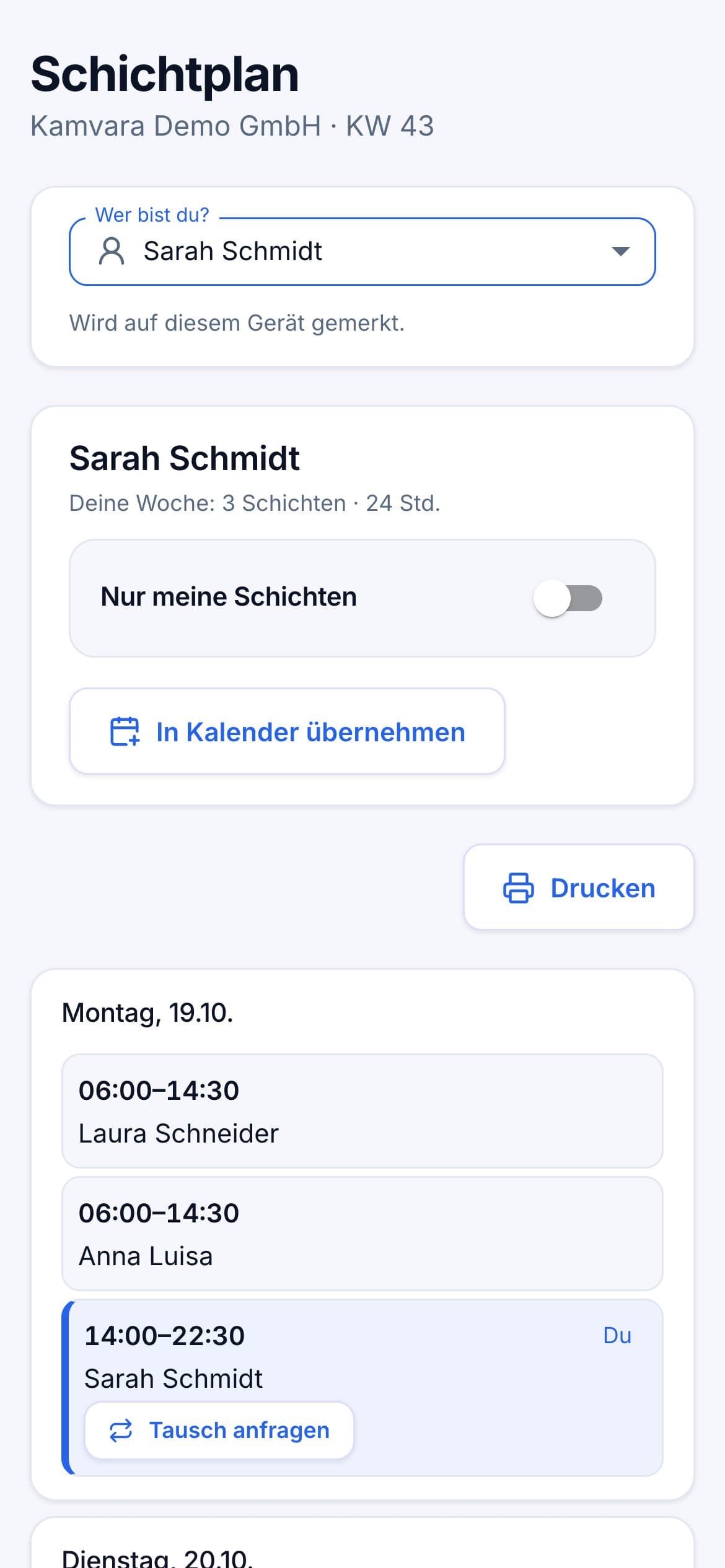
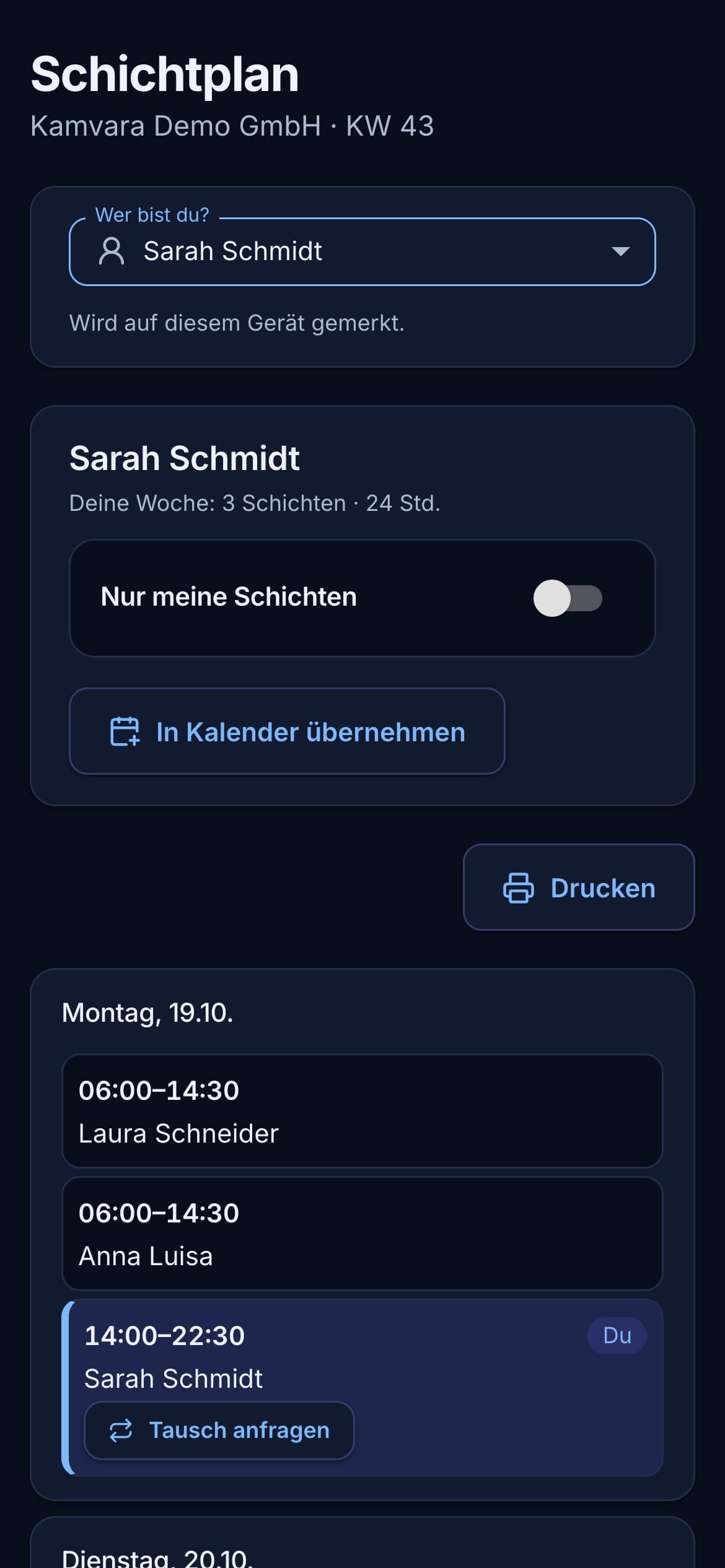
The plan on every phone – no app
Share plans via link or QR code – or print them for the notice board. Your team sees their own assignments, adds them to their calendar and requests swaps directly – no account or app needed.
Team link, personal links via email, print-ready for the notice board
Swap requests land with you for approval
Add shifts to your own calendar with one tap
13modules, freely combinable
14 daysfree trial with all features
from 19 €per month – for your whole business
3Languages: German, English, Turkish
Only with Kamvara
What other tools don't have
Features we wished we'd had ourselves – across your whole business.
Fairness account
Night, weekend and holiday shifts are counted and spread fairly – transparent for everyone.
Mini-job guard
Warns while planning, before the monthly earnings limit is reached.
Deadline radar
Notice periods, contract ends and pauses – reported in time, before a customer is lost.
Daily closing like at the till
Count the cash in the evening – Kamvara calculates cash income and books it, without double entries.
Correct instead of delete
Every change to income and expenses stays traceable with a reason – as the tax office expects.
For every business
Set positions, categories, modules and rules freely – whether practice, studio, agency or trade.
Industries
Made for businesses that shape their own work
Whether with shifts, fixed hours or customer appointments – you set up Kamvara the way your business works.
Care & health
Round-the-clock duties, absences and rules in view – plus contracts and billing.
Restaurants
Plan changing opening hours and mini-jobs, daily closing at the till, stock under control.
Retail
Staff till, floor and stock – income, daily closing and reordering included.
Logistics & warehousing
Multi-shift operations with clear positions, stock with stocktake and range.
Fitness & studios
Plan classes and front desk, membership contracts with deadlines and direct debit.
Cleaning & services
Jobs at several locations, customers with contracts and plans right on the phone.
It's that easy
Ready in three steps
1
Choose modules
Only the tools you need – simply hide the rest.
2
Set up
The setup assistant takes care of rules, positions, hours and your team.
3
Get going
Design your dashboard and navigation – the assistants handle the routine.
Pricing
Fair prices. No catch.
Start with 14 days free including all features. Then choose the plan that fits your business – cancel monthly, or pay yearly and get two months free.
Always unlimited employees – you only pay for logins of people who work in Kamvara · plus VAT · 14-day free trial, no credit card.
FAQ
Frequently asked questions
Is Kamvara just a scheduling tool?
No. The schedule is one module of many: there is also staff with time tracking and payroll, customers with contracts and direct debit, income, expenses, profit statement and stock, plus a mailbox with templates. You use only what your business needs.
Does Kamvara fit my business?
Yes – for every kind of business, whether with shifts, fixed hours or customer appointments. You choose the modules, name positions freely and design dashboard and navigation around your workflows.
How does the free trial work?
You try Kamvara for 14 days with all features of the Max plan. Afterwards you decide whether and which plan to book.
What happens after the trial?
You'll be reminded in time. Afterwards you can still view your data and continue working as soon as you choose a plan – nothing is lost.
Do I need a credit card?
No. You don't need any payment details for the trial.
How long am I tied in?
Not at all – every plan can be cancelled monthly. Pay yearly and get two months free. Upgrades apply immediately, smaller plans at the end of the month.
Can several people work with the same data?
Soon, yes: with the team price, up to 6 people work in the same data with their own login – for example the owner, shift lead and office. Each additional person costs a small extra fee. Your employees don’t need a login for this: they keep getting their plans for free via link or QR code.
Can I change my plan later?
Any time in the settings. Hide modules you don't need – your data is kept.
Do my employees need an account or an app?
No. They get plans via link or QR code and see them in the browser on any phone – including swap requests.
Does Kamvara consider working time law?
Yes. The rule check tests rest periods, maximum working hours, breaks and youth protection – with industry presets and the public holidays of all 16 German states. It does not replace legal advice.
What happens to my data?
Your data belongs to you: you can download a complete backup at any time. We deliberately store sick leave without a diagnosis.
Ready for a workspace of your own?
Try Kamvara free for 14 days – no credit card, all features.